

Hi
I just discovered a easy way and simple to perform a restore / backup of your linux machine . It’s not a bussines solution but can make your life better at home or with testing VM
All we need is a console with administrator privileges ( root )
use the folling command
sudo tar cvpjf backup.tar.bz –exclude=/proc–exclude=/lost+found –exclude=/backup.tar.bz2 –exclude=/mnt –exclude=/tmp –exclude=/sys /
Remember every –exclude ( excludes the directory or file to backup , and the same backup.tar.bz2 file !!! )
for example if you want to exclude home directory , this will ve the exlcude –exclude=/home , its important to exclude the same file archive that we compress all the data backup.tar.bz2
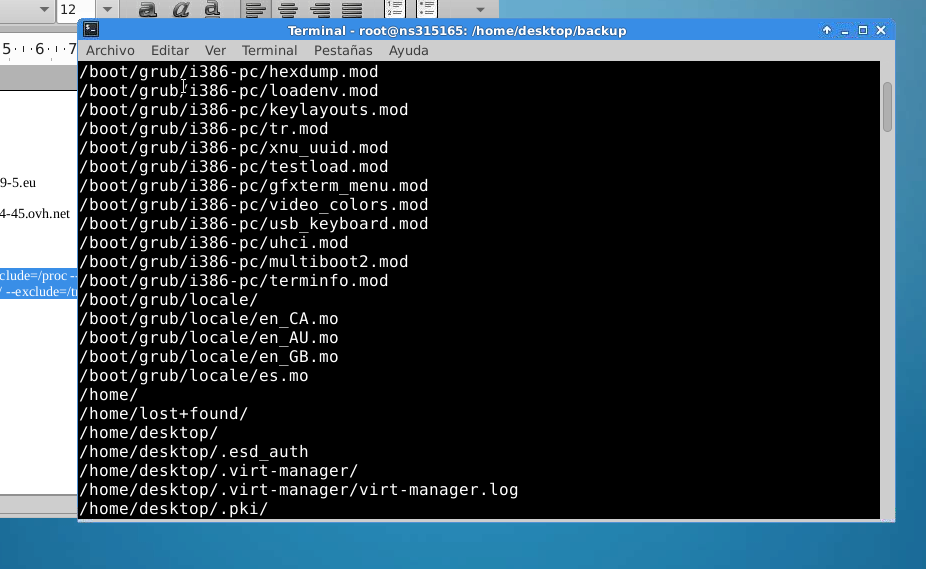
To recover the data simply : tar xvpfj backup.tar.bz2 -C /
( remember if you uncompress in another disk , you will need to re-create the grub boot system )
Enjoy
 7 IT & Security