

Named Locations will allow you to whitelist headquarters or other trusted IPS where conditional policies would block your access
Cases:
*Your servers are in a different region than your work for and a conditional policy blocks your access
*You have all scripts blocked in the company and you run them from a different VM that is trusted
*You wish to whitelist Headquarters in another region / zone
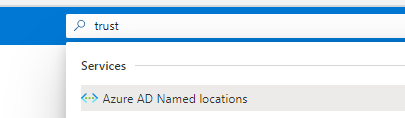
To enable named locations , search or go to “Azure AD Named locations”
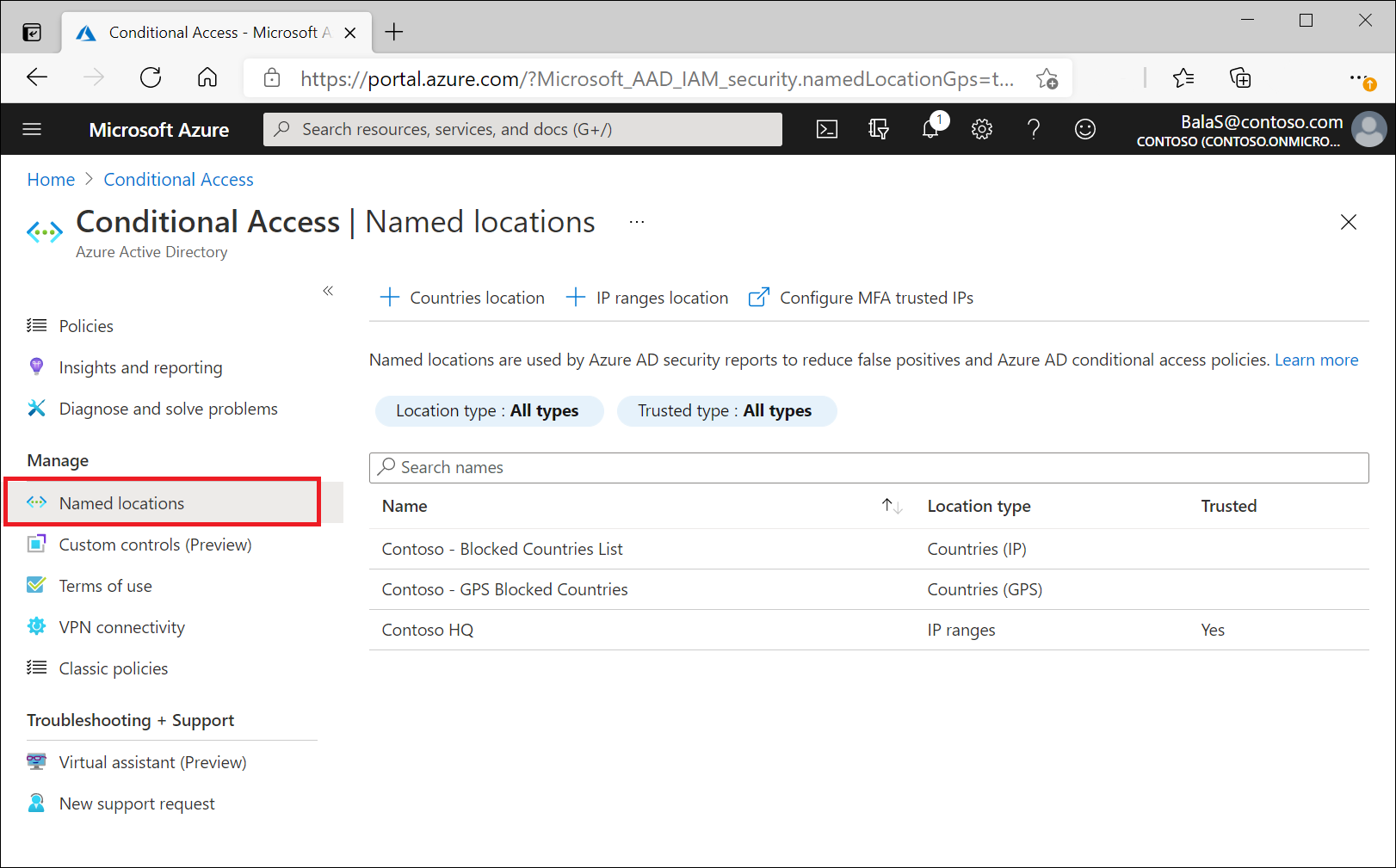
We now click on “New location”
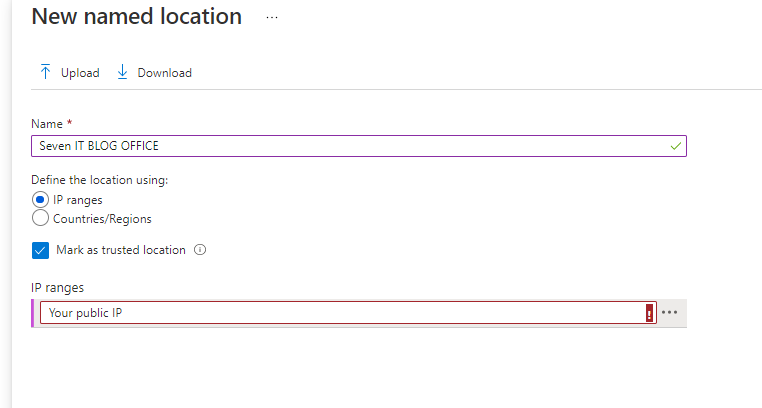
We assign a name
Tick trusted location if you wish to whitelist or either unselect if you will use this in a conditional policy

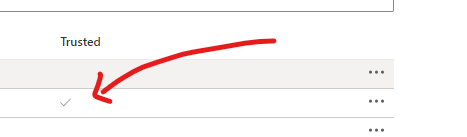
You will find now on the main page the trusted icon is now shown
 7 IT & Security