

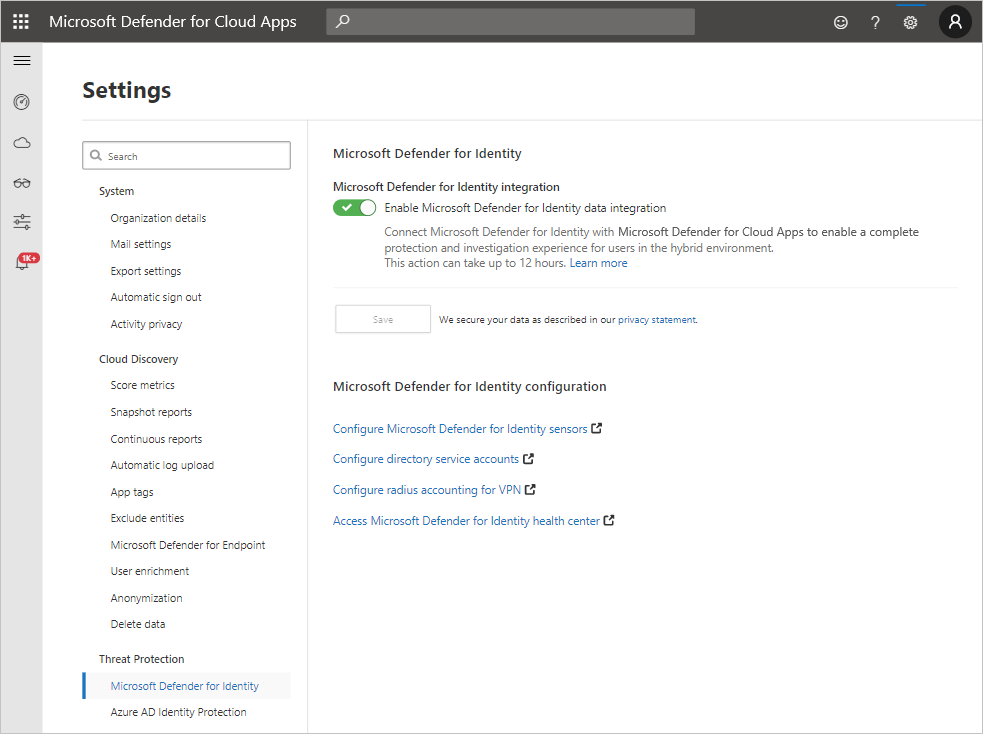
After enabling defender for identity( integrate defender and Active Directory & Cloud app security ) . There is a remote possibility in your enviorment to face the following alert: REMOVE PASSWORD NOT REQUIRED.

What does this alert mean?
The alert picks up when an account is set to allow blank passwords. This is actually something possible unfortunately in active directory changing the setting userAccountControl
the PASSWD_NOTREQD value equates to an integer value of 544 . This setting allows a user in AD to bypass any password policy and set a blank password.
In order to resolve we must change the setting of the account control attribute. from 544 (decimal value) to 512
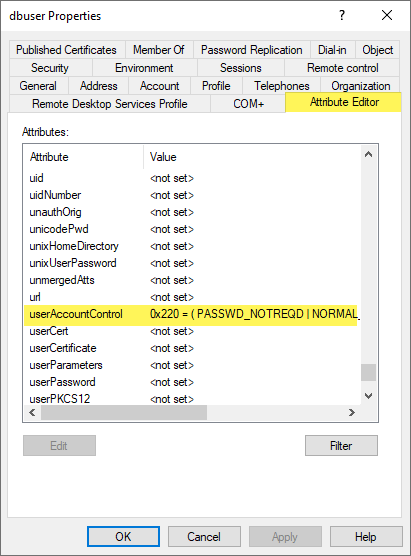
The normal value should be this one:
512 – Normal value
0x0200 – Hexadecimal value:
Powershell to search more accounts on this state:
Get-ADUser -Filter {PasswordNotRequired -eq $true}Here is a link on how to configure Defender for identiy:
https://docs.microsoft.com/en-us/cloud-app-security/mdi-integration
 7 IT & Security