
Hello
IsNs
This service allows for central registration of an iSCSI environment. Discovering available targets on the network.
However, a couple of commands are needed on the iSCSI initiators prior to starting using IsNs
If the Isns DHCP is not configured. Clients must be registered manually with the Iscsicli command.
Workaround
Assuming we have done a proper ICSI installation on the target server & the IsnS feature
and added the target server to the initiator.
We will perform the following command on the ICSI initiator, however, it will fail as per the firewall config.
to enable iSNS traffic through the firewall.
iscsicli FirewallExemptiSNSServer
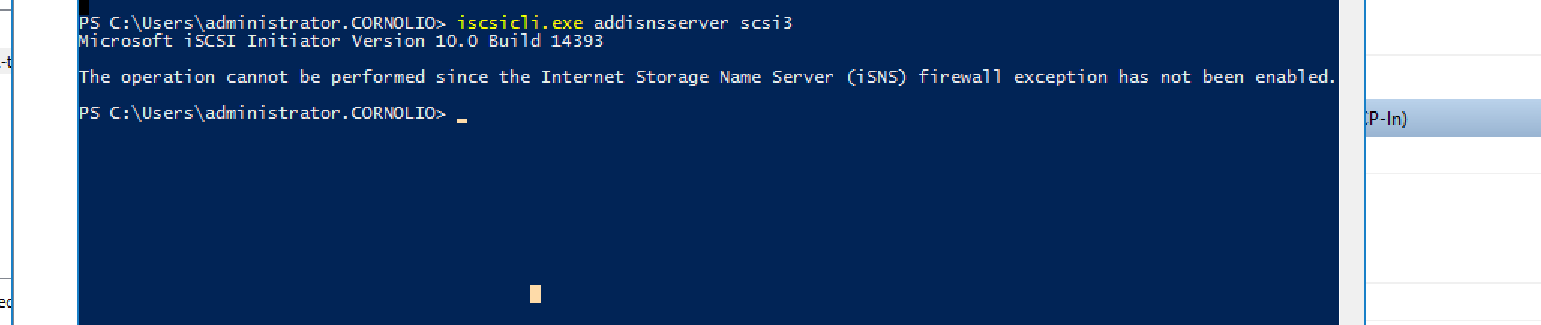
Once complete we can go ahead and run
iscsicli addisnsserver “target sever“
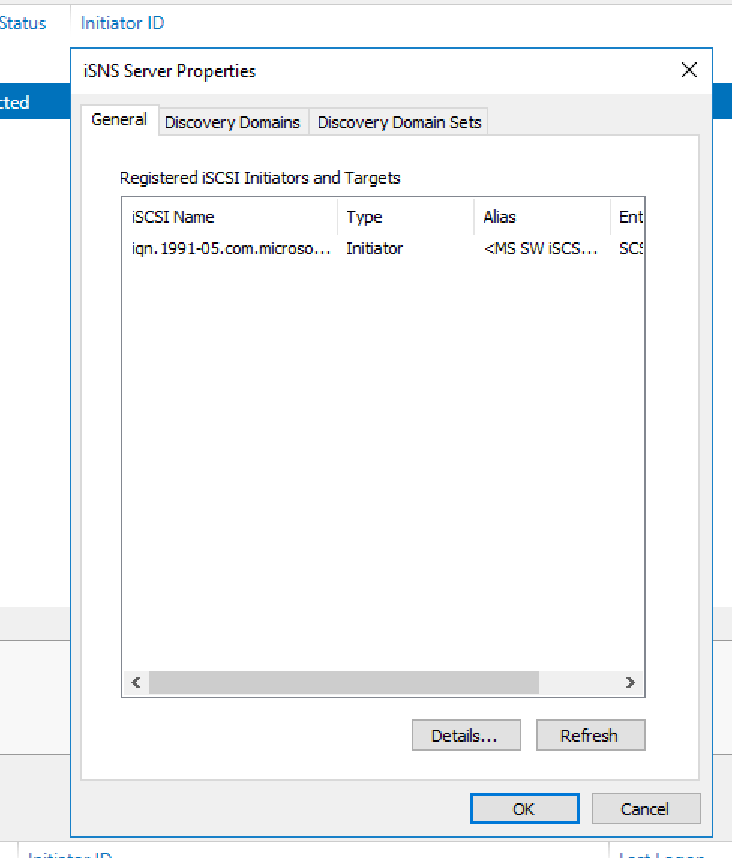
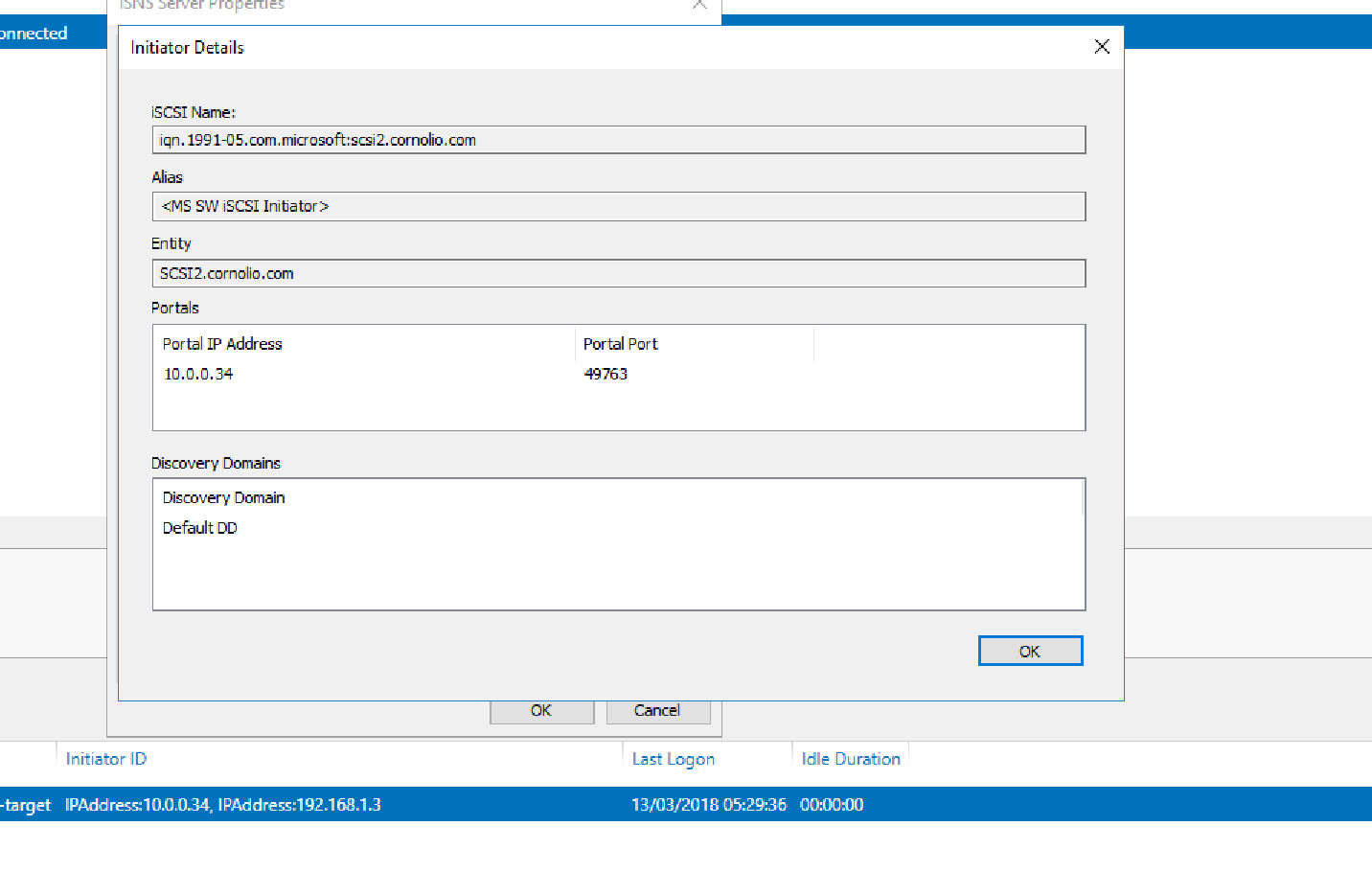
Once done on the target server we will be able to see the following:
 7 IT & Security