

Hi Team
Opening new section for Teams and Windows tips
& today we will cover the most famous one
Camera and sound not working.
Obviously this can be because your mic is not connected or either speakers.But there is another classic and its Windows preventing it!
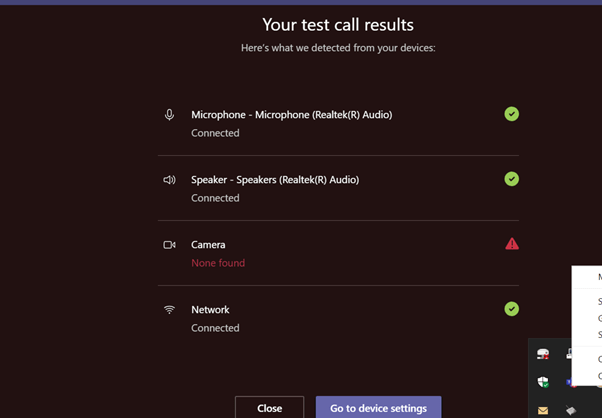
Here we spot the problem on a test call :
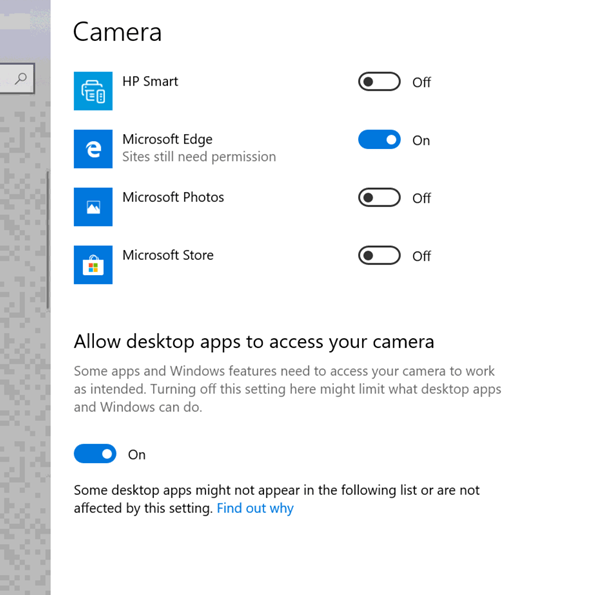
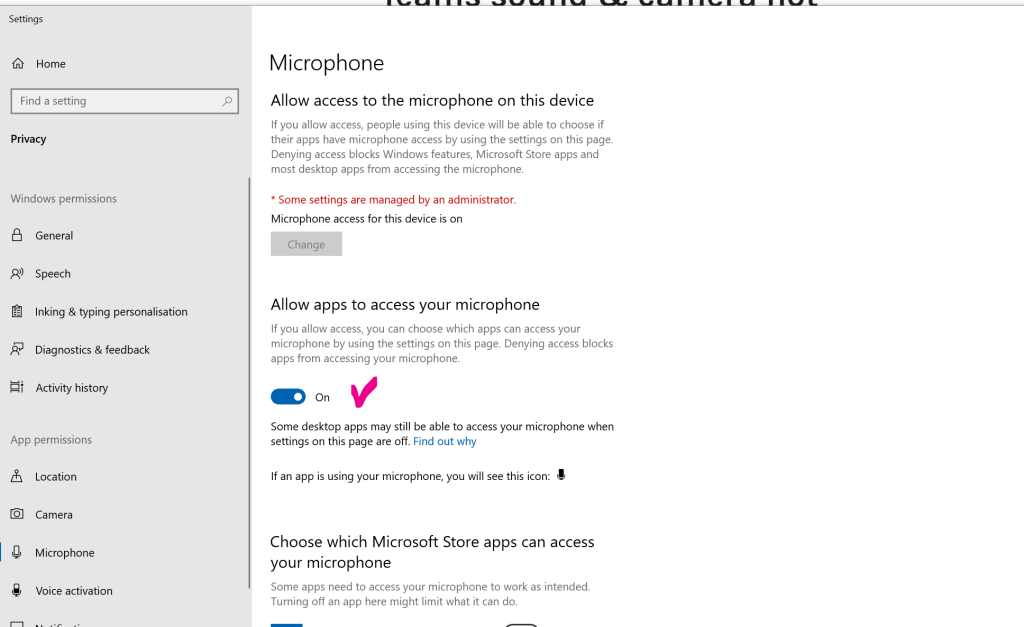
Check privacy settings:
 7 IT & Security